Search by tag: android
10 articles
Eurolinguo
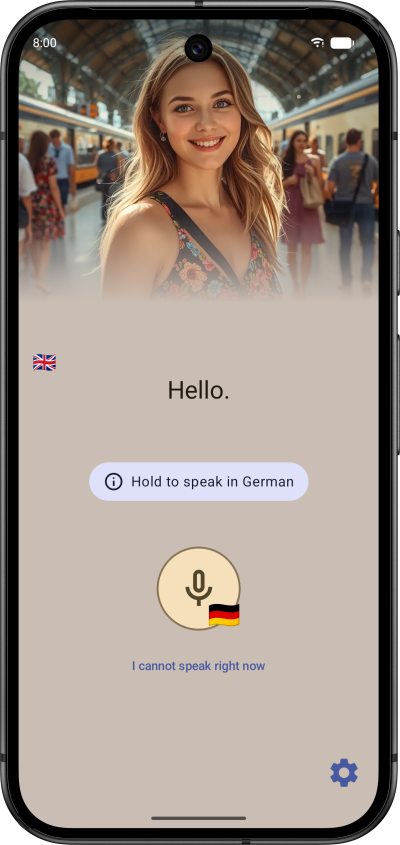
Eurolinguo is now live on the Google Play Store. This initial release is a native Android application built with Kotlin Multiplatform (KMP).

Tired of language apps that force you to tap through five screens to reach a lesson or focus on memorizing dozens of animal and color names, Eurolinguo is designed with an offline-first architecture for immediate utility, immersing you straight away in useful sentences for realistic daily usage.
Developed using a Test-Driven Development (TDD) approach, the codebase features extensive unit, UI, and integration tests to ensure stability. The technical stack includes Room for local data persistence and Koin for dependency injection. Audio playback utilizes a custom abstraction over the native Android Text-to-Speech engine, dynamically adapting to device-installed voice data to minimize APK size while maintaining quality.
The app also prioritizes inclusivity with comprehensive semantic support for screen readers and full compatibility with maximum system zoom settings.
While v1.0.0 operates entirely offline with pre-packaged content, the architecture is prepared for future API synchronization to enable dynamic content updates and additional language support.

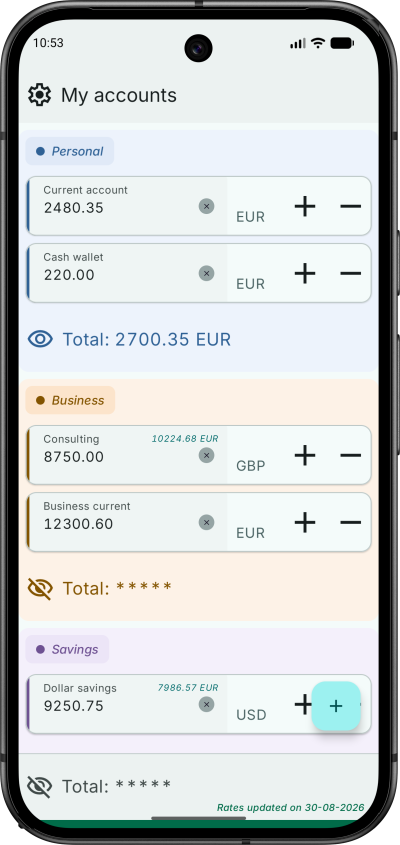
MySimpleAccountManager 1.3.0
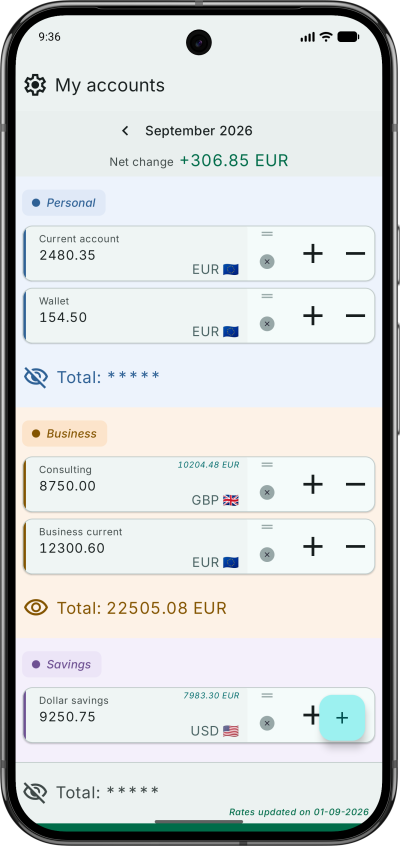
This update focuses on usability improvements and interface flexibility.
Key Changes
- Landscape Orientation: The app now fully supports landscape mode, as required per Android SDK 36+, allowing users to utilize wider screen real estate for account management.
- Account Reset: A dedicated button has been added to reset the account amount.
Try it now on the Google Play Store!

Water Tracker 1.1.0
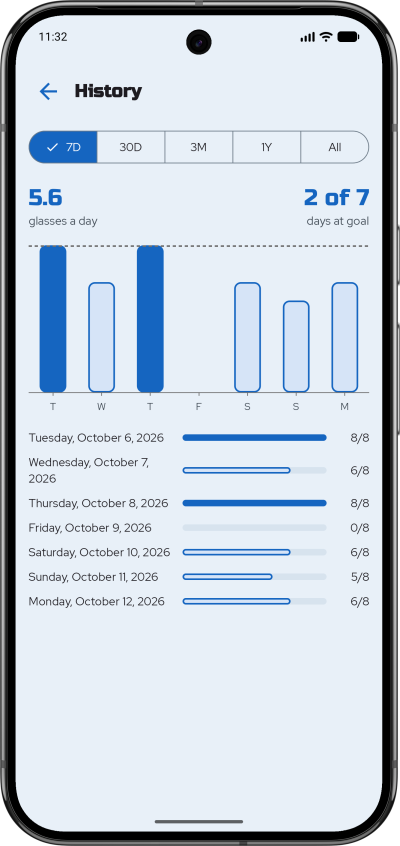
Version 1.1.0 introduces updates focused on tracking accuracy and interface adjustments.
New Features
- Last Fill Indicator: Displays the timestamp of the most recent water entry to prevent duplicate logging during active sessions.
- Automatic Day Transition: The active tracking day updates automatically upon app resumption if the system clock has passed midnight, regardless of whether the app was in the foreground or background.
- Current Day Navigation: A dedicated button allows immediate return to the current date view from historical logs.
Accessibility
- Zoom Support: Improved compatibility with system-level zoom and larger text settings. Layout adaptation is functional across standard magnification levels, though some elements may not fully render at maximum zoom settings.
This update is available now on Google Play.
![]()
Water Tracker
Here is the release of a small hydration tracker, made with Compose Multiplatform (CMP). It is a lightweight, high-performance utility app for Android and iOS.
The goal was to create a seamless, reactive experience while keeping the UI layer entirely decoupled from business logic: the "Dumb UI" pattern, or more professional sounding: Unidirectional Data Flow (UDF).
To ensure the UI remains a pure projection of the state, I moved all logical operations—including orientation-based grid calculations (rows/cols), date formatting, and accessibility strings—into the ViewModel. Even the layout math, like chunking the list of 8 glasses into rows, is handled in the ViewModel. This makes the Composables "dumb" and easy to preview, while the entire user experience becomes unit-testable without an emulator.
The app uses Room for local persistence, leveraging its new Kotlin Multiplatform capabilities. A database factory handles path differences between Android’s internal storage and iOS’s document directory through the expect/actual pattern. Koin ensures dependency injection.
To match the new requirement of Android SDK 36+, the UI is adaptive to ensure a pleasant experience both in portrait and lanscape modes. The glass shape is drawn using the Canvas API, and I played with a few simple animations to smooth the state changes.
I also experimented with custom semantic roles and state descriptions, to fully support screen readers like TalkBack and VoiceOver.
How to test Firebase Analytics events in real time
iOS
In Xcode, add the argument -FIRAnalyticsDebugEnabled in a scheme:
- Product => Scheme => Edit Scheme
- In the new window: Run => Arguments tab => add the argument in Arguments Passed On Launch
Android
Run the following ADB command in the terminal:
adb shell setprop debug.firebase.analytics.app my.app.pp
Run the app, go to the Firebase Console to see your events in Realtime Analytics.