Search by tag: CMP
4 articles
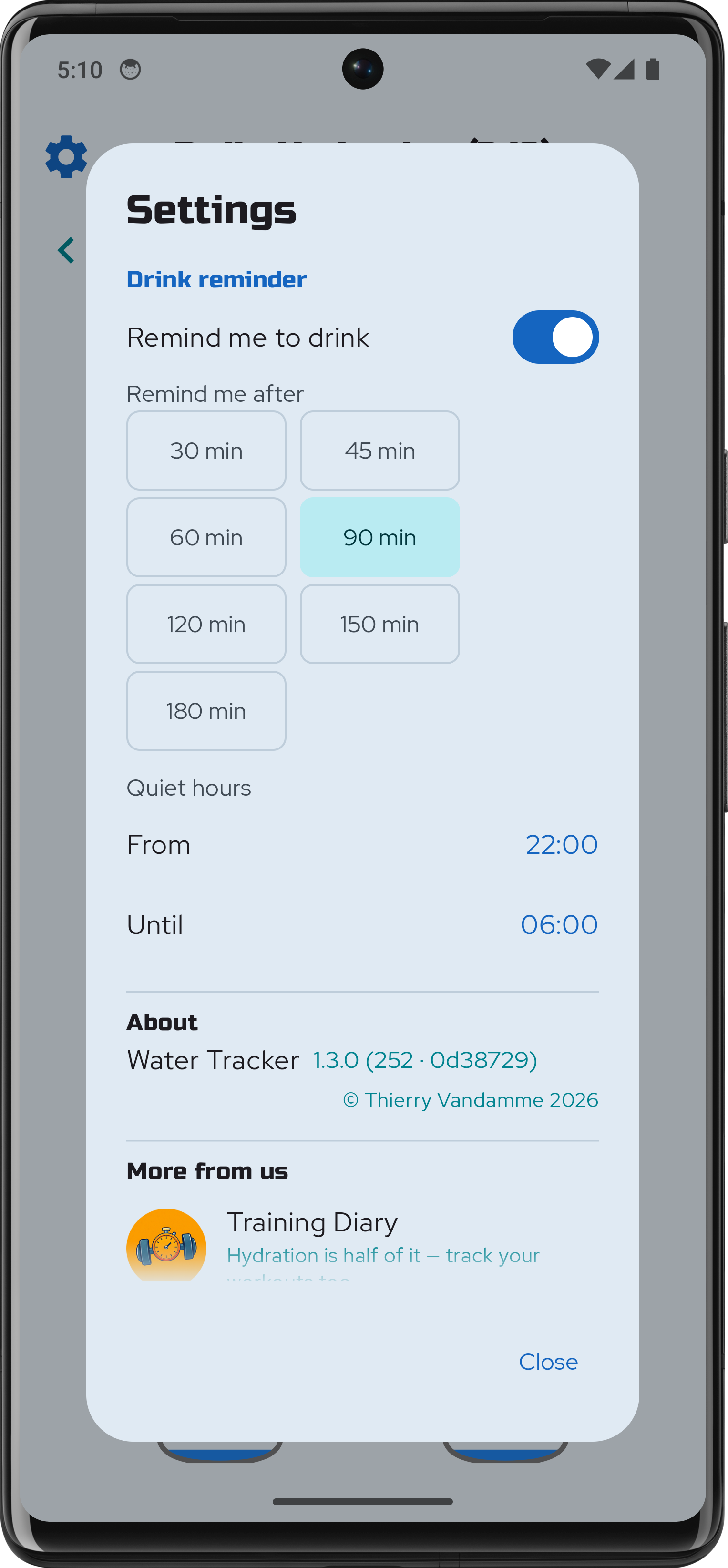
Water Tracker 1.3.0 — drink reminders
Water Tracker 1.3.0 is on Google Play Store. Easy to forget the essentials when we are deep in our work or daily activities. Water Tracker can now remind you to hydrate regularly. Reminders can be enabled by flipping a switch in the app's settings. Choose the gap that suits you: how long a…
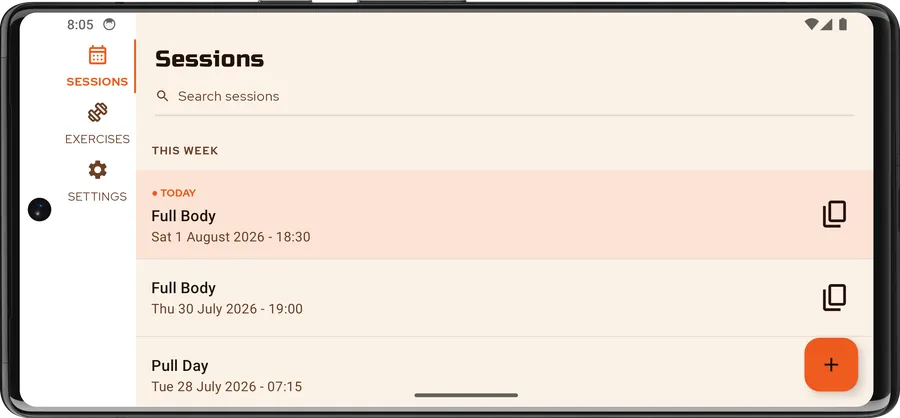
Training Diary 2.0.0
Training Diary is out on the Google Play Store.It is a straightforward log for the training you actually do: sessions, exercises, and setscounted in reps or timed, with weight or elastic-band resistance. It works entirely offline —no account, no sign-in, no backend. The version number starts at…
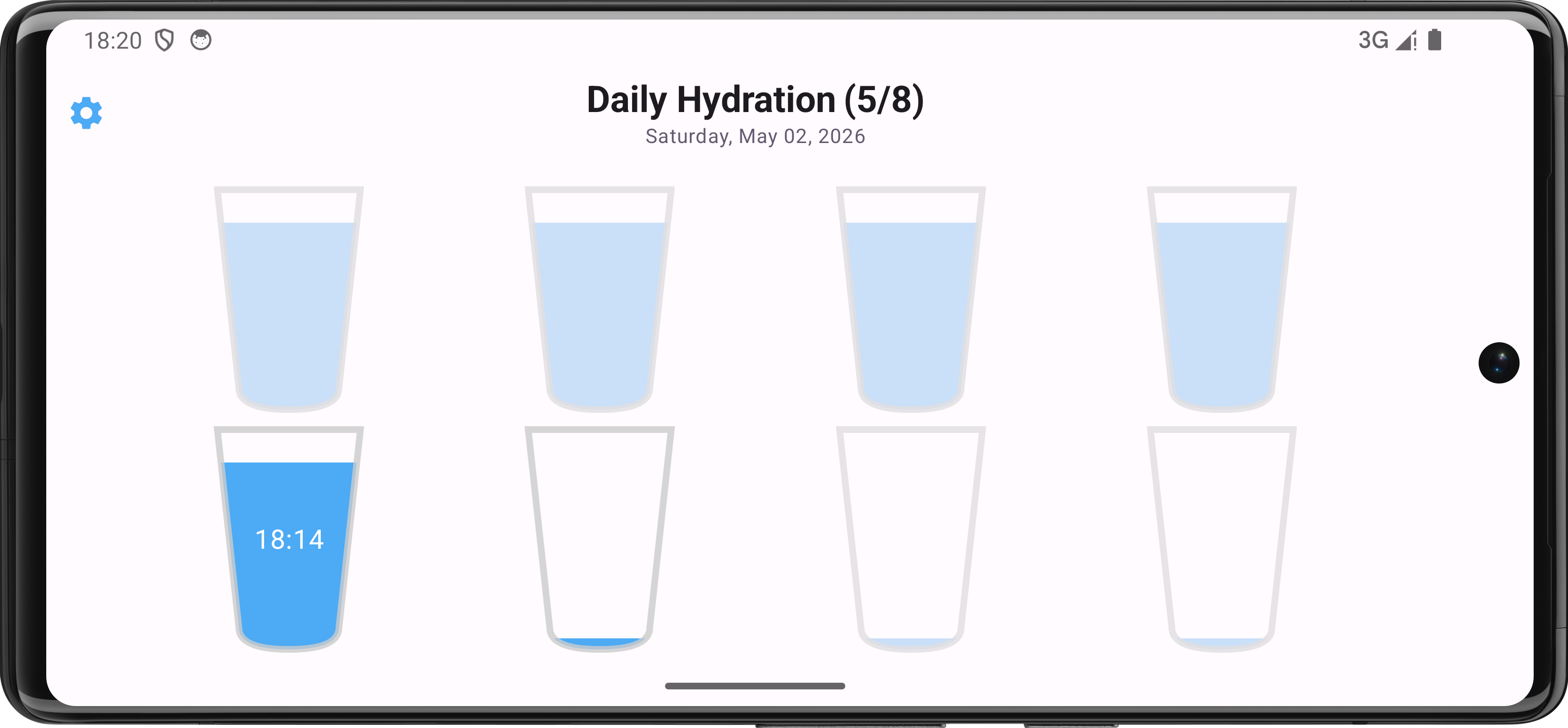
Water Tracker 1.1.0
Version 1.1.0 introduces updates focused on tracking accuracy and interface adjustments. New Features Last Fill Indicator: Displays the timestamp of the most recent water entry to prevent duplicate logging during active sessions. Automatic Day Transition: The active tracking day updates…
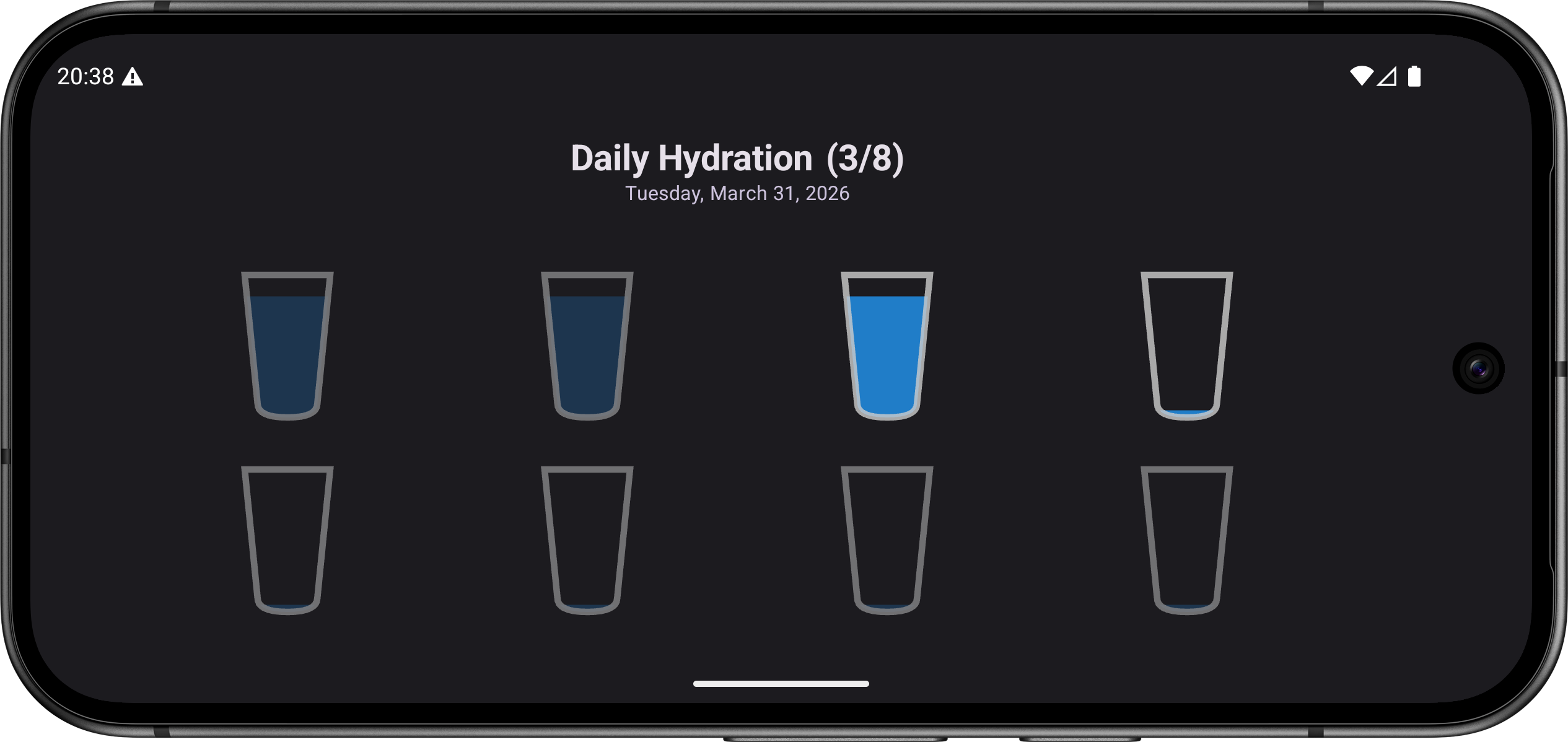
Water Tracker
Here is the release of a small hydration tracker, made with Compose Multiplatform (CMP). It is a lightweight, high-performance utility app for Android and iOS. The goal was to create a seamless, reactive experience while keeping the UI layer entirely decoupled from business logic: the "Dumb UI"…