Search by tag: Google Play

3 articles

MySimpleAccountManager 1.4.0

Being required to target SDK 36 before September 2026, I took the opportunity to fix a few UI bugs and pursue its relooking.

Currencies

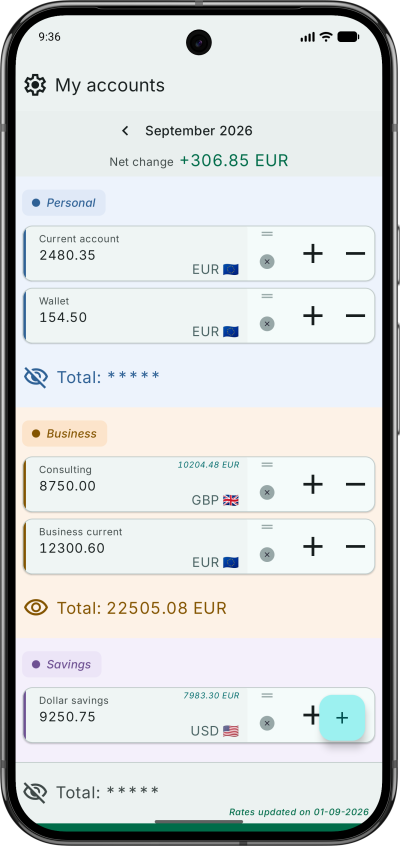
  • A new picker replaces the plain symbol list, including a filter by symbol or currency name, quick access chips, and full currency name for clarity.

Account categories

  • Differentiate categories by colours, at matched chroma across light and dark themes.

Accounts

  • Fix various issues with drag and drop gestures.

Layout and theme

  • New theme.
  • Improve settings screens usage of landscape orientation

Build

  • Release signing happens outside Gradle: there is no signingConfig in the build, and a script signs the unsigned artifact with passwords read from the Keychain.
  • detekt with the Compose and formatting rulesets, resource shrinking on release, and screenshot tests that actually compare against committed references.

Test it on Google Play

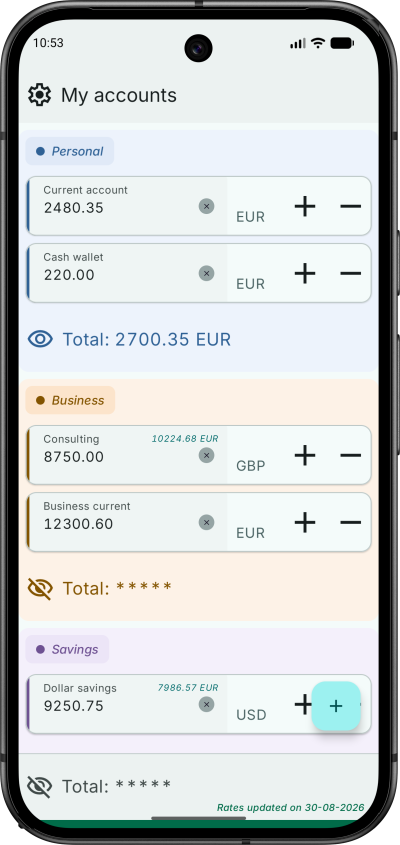
Home screen of MySimpleAccountManager

Water Tracker 1.3.0 — drink reminders

Water Tracker 1.3.0 is on Google Play Store.

Easy to forget the essentials when we are deep in our work or daily activities. Water Tracker can now remind you to hydrate regularly.

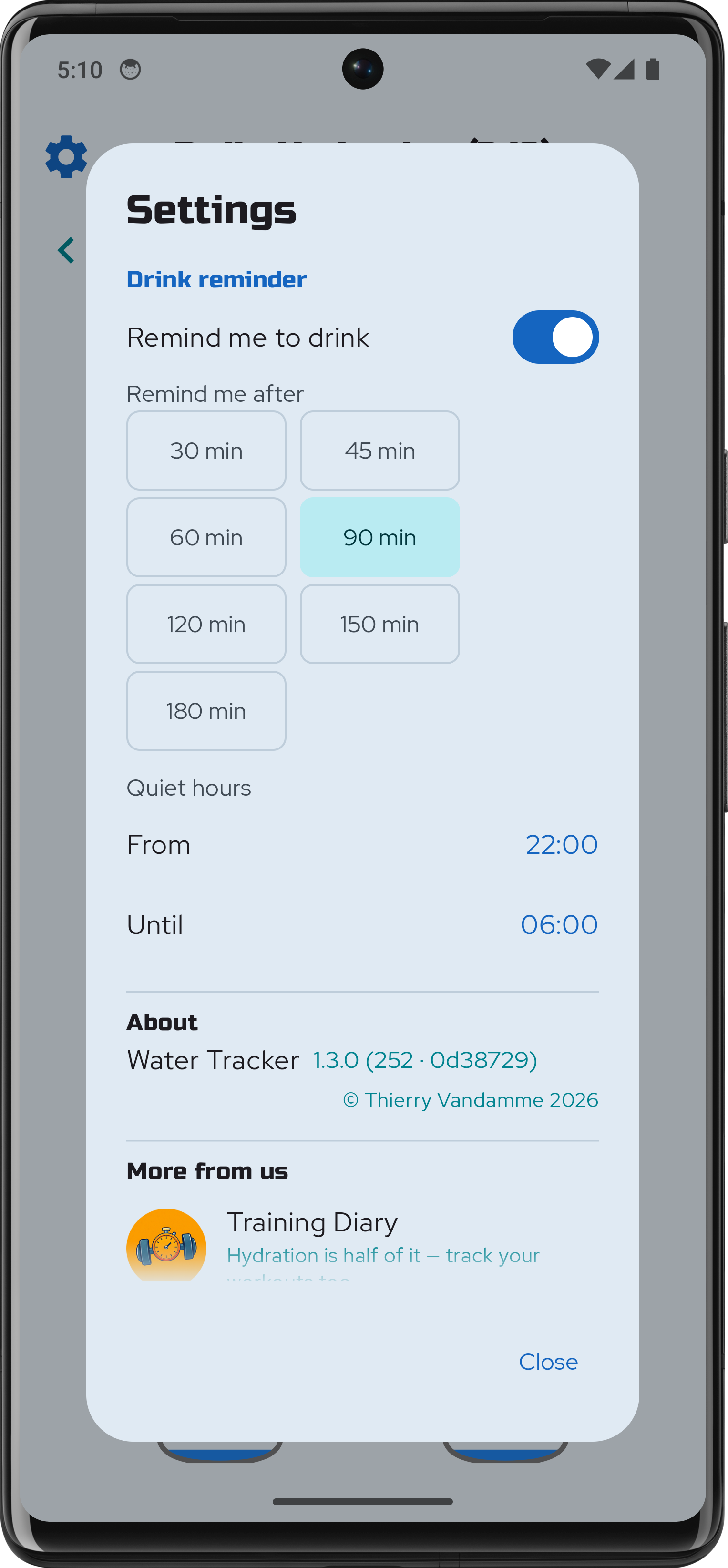
Reminders can be enabled by flipping a switch in the app's settings. Choose the gap that suits you: how long a stretch without a glass has to pass before the app says anything. You can also set your desired quiet hours.

The wait runs from your last glass, so logging one resets it. Fill all eight and the day goes quiet.

water-tracker-1-3-0-settings

Water Tracker

Here is the release of a small hydration tracker, made with Compose Multiplatform (CMP). It is a lightweight, high-performance utility app for Android and iOS.

The goal was to create a seamless, reactive experience while keeping the UI layer entirely decoupled from business logic: the "Dumb UI" pattern, or more professional sounding: Unidirectional Data Flow (UDF).

To ensure the UI remains a pure projection of the state, I moved all logical operations—including orientation-based grid calculations (rows/cols), date formatting, and accessibility strings—into the ViewModel. Even the layout math, like chunking the list of 8 glasses into rows, is handled in the ViewModel. This makes the Composables "dumb" and easy to preview, while the entire user experience becomes unit-testable without an emulator.

The app uses Room for local persistence, leveraging its new Kotlin Multiplatform capabilities. A database factory handles path differences between Android’s internal storage and iOS’s document directory through the expect/actual pattern. Koin ensures dependency injection.

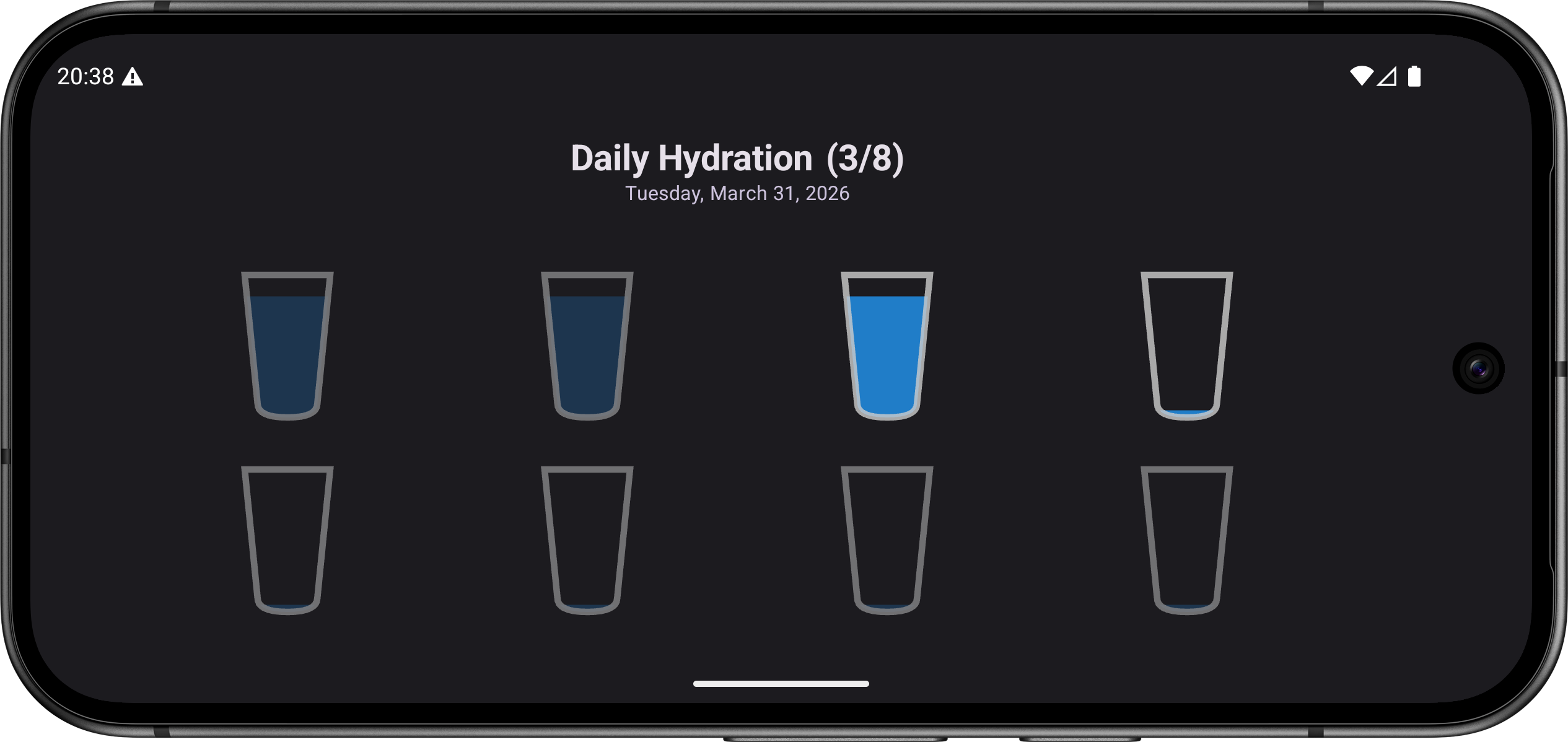
To match the new requirement of Android SDK 36+, the UI is adaptive to ensure a pleasant experience both in portrait and lanscape modes. The glass shape is drawn using the Canvas API, and I played with a few simple animations to smooth the state changes.

I also experimented with custom semantic roles and state descriptions, to fully support screen readers like TalkBack and VoiceOver.

Water Tracker main screen in landscape mode