Archives: August 2026
3 articles
MySimpleAccountManager 1.4.0
Being required to target SDK 36 before September 2026, I took the opportunity to fix a few UI bugs and pursue its relooking.
Currencies
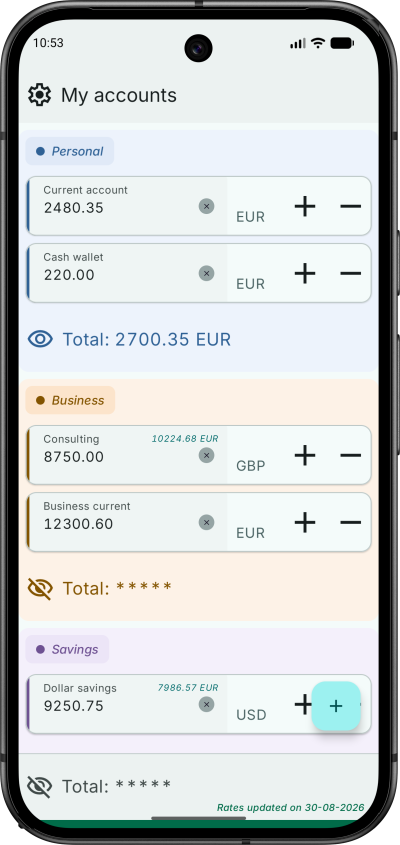
- A new picker replaces the plain symbol list, including a filter by symbol or currency name, quick access chips, and full currency name for clarity.
Account categories
- Differentiate categories by colours, at matched chroma across light and dark themes.
Accounts
- Fix various issues with drag and drop gestures.
Layout and theme
- New theme.
- Improve settings screens usage of landscape orientation
Build
- Release signing happens outside Gradle: there is no
signingConfigin the build, and a script signs the unsigned artifact with passwords read from the Keychain. - detekt with the Compose and formatting rulesets, resource shrinking on release, and screenshot tests that actually compare against committed references.
Test it on Google Play
Water Tracker 1.3.0 — drink reminders
Water Tracker 1.3.0 is on Google Play Store.
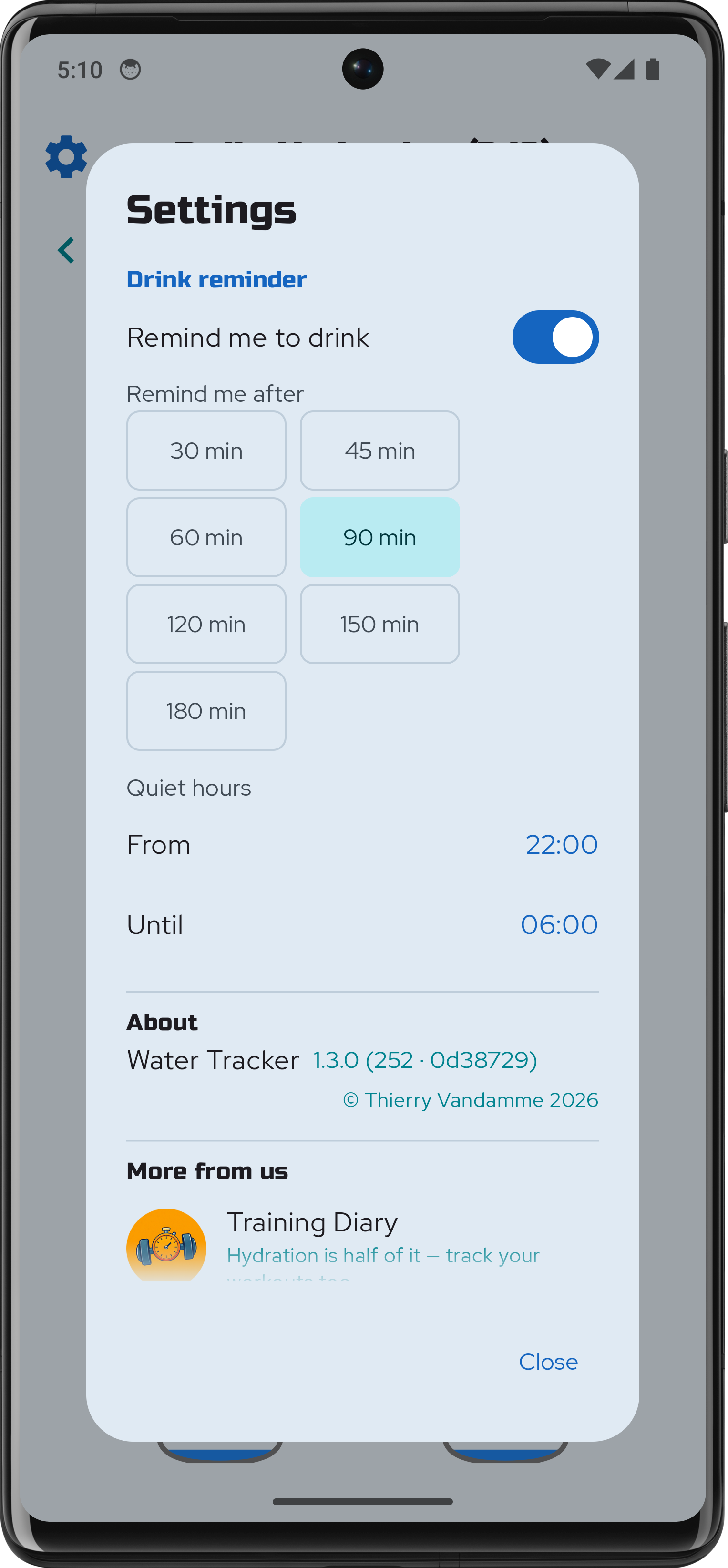
Easy to forget the essentials when we are deep in our work or daily activities. Water Tracker can now remind you to hydrate regularly.
Reminders can be enabled by flipping a switch in the app's settings. Choose the gap that suits you: how long a stretch without a glass has to pass before the app says anything. You can also set your desired quiet hours.
The wait runs from your last glass, so logging one resets it. Fill all eight and the day goes quiet.
Training Diary 2.0.0
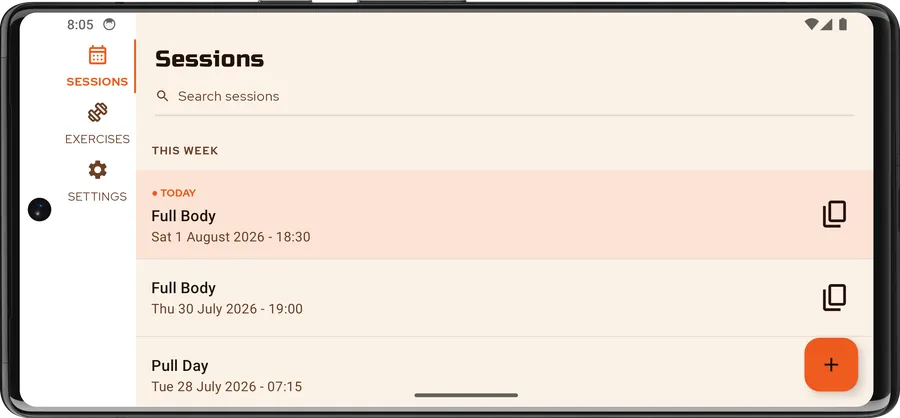
Training Diary is out on the Google Play Store. It is a straightforward log for the training you actually do: sessions, exercises, and sets counted in reps or timed, with weight or elastic-band resistance. It works entirely offline — no account, no sign-in, no backend.
The version number starts at 2.0.0 because this is not a first attempt. The original was a single-platform Android app I wrote years ago, before my official training; 2.0.0 is a complete rewrite in Kotlin Multiplatform, sharing one codebase across Android, iOS and Desktop. Android ships first.
Under the hood
The app is built with Compose Multiplatform on Kotlin 2.4, and all of the UI is shared — there
is no per-platform screen code. The project is split into core:* and feature:* Gradle modules
with a strict dependency direction: domain is pure Kotlin, data implements the interfaces
domain declares, and features never depend on each other. Screens follow MVI, wiring is
Koin, and persistence is SQLDelight
over local SQLite — typed queries, no reflection, and the same schema on every target.
Navigation uses Navigation 3.
The rest timer was the most interesting cross-platform problem. A countdown that only ticks while
the app is in the foreground is useless between two sets, so the alarm is scheduled with the
platform, not with a coroutine: an expect/actual scheduler backed by AlarmManager on Android
and by a local notification on iOS. It fires when the rest is over whether you switched apps or
locked the screen — and it degrades gracefully to an inexact alarm if the exact-alarm permission
is declined, rather than crashing.
Everything was written test-first, guided by ZOMBIES: roughly four in ten Kotlin files in the
repository are tests, covering domain logic, ViewModels, SQLDelight queries, the Koin graph,
navigation, and the Compose UI itself through runComposeUiTest. detekt, with the Compose
ruleset, gates every build.
Accessibility
Accessibility was part of the tests, not a pass at the end: TalkBack support, touch targets and layouts that survive the largest text and display sizes, light and dark themes, English and French, and tablet and landscape layouts that are laid out rather than stretched.
Your sessions stay on your device. You can export them to a file whenever you want and restore them just as easily.